
Emacs Org-Mode and Other Things
How to get started with Org-Mode in Emacs

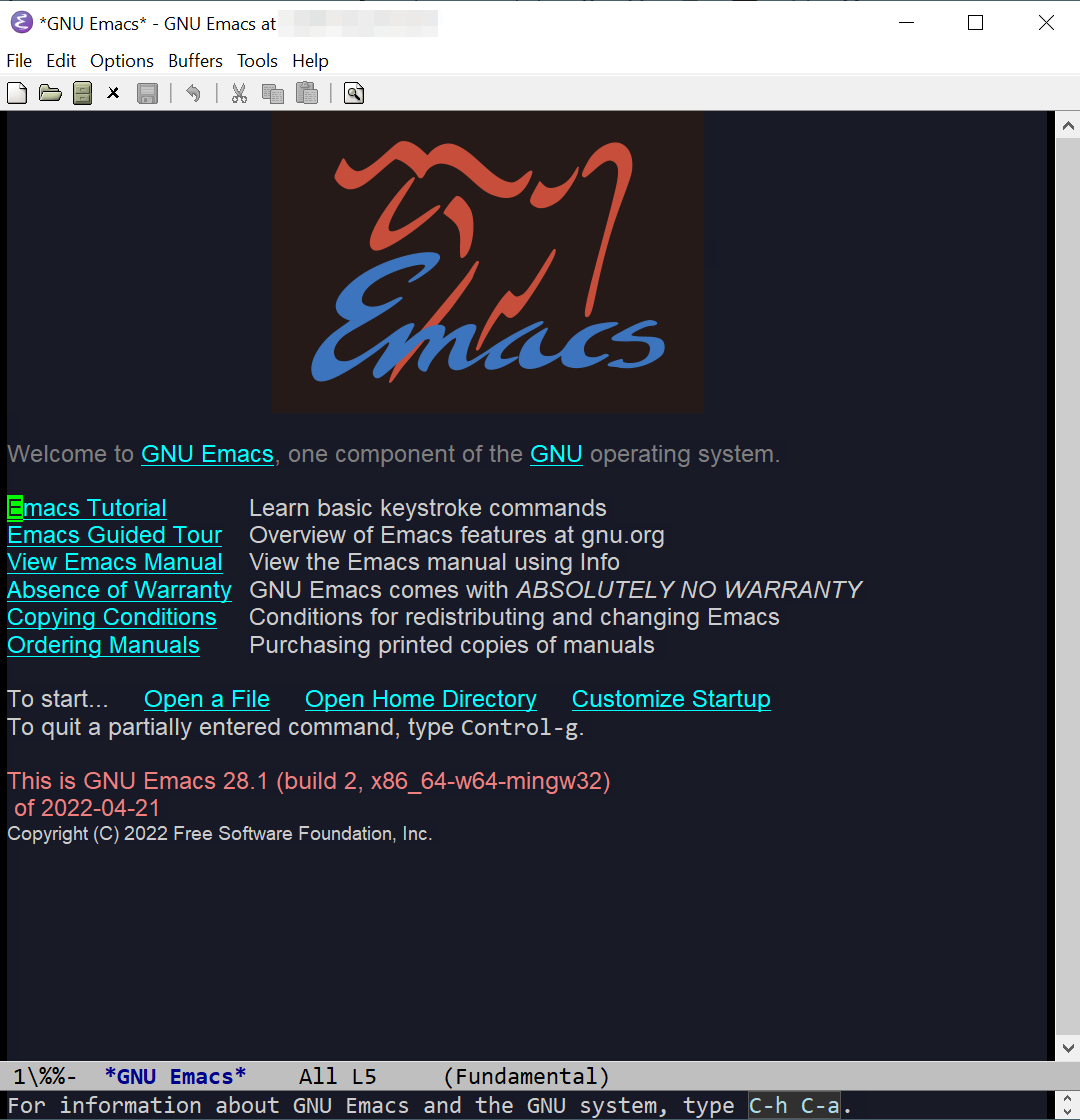
Emacs is very often mentioned in the context of something called 'Org-Mode', which is some kind of journal and 'personal knowledge management' solution - it's not ideal for most use cases, but apparently it's popular. I'm not sure what Emacs Org-Mode does that other editors can't do, but I'm giving it a try anyway.
First thing is we need to add org-mode to Emacs, and this is possible using the integrated package manager:
Alt+x list-packages
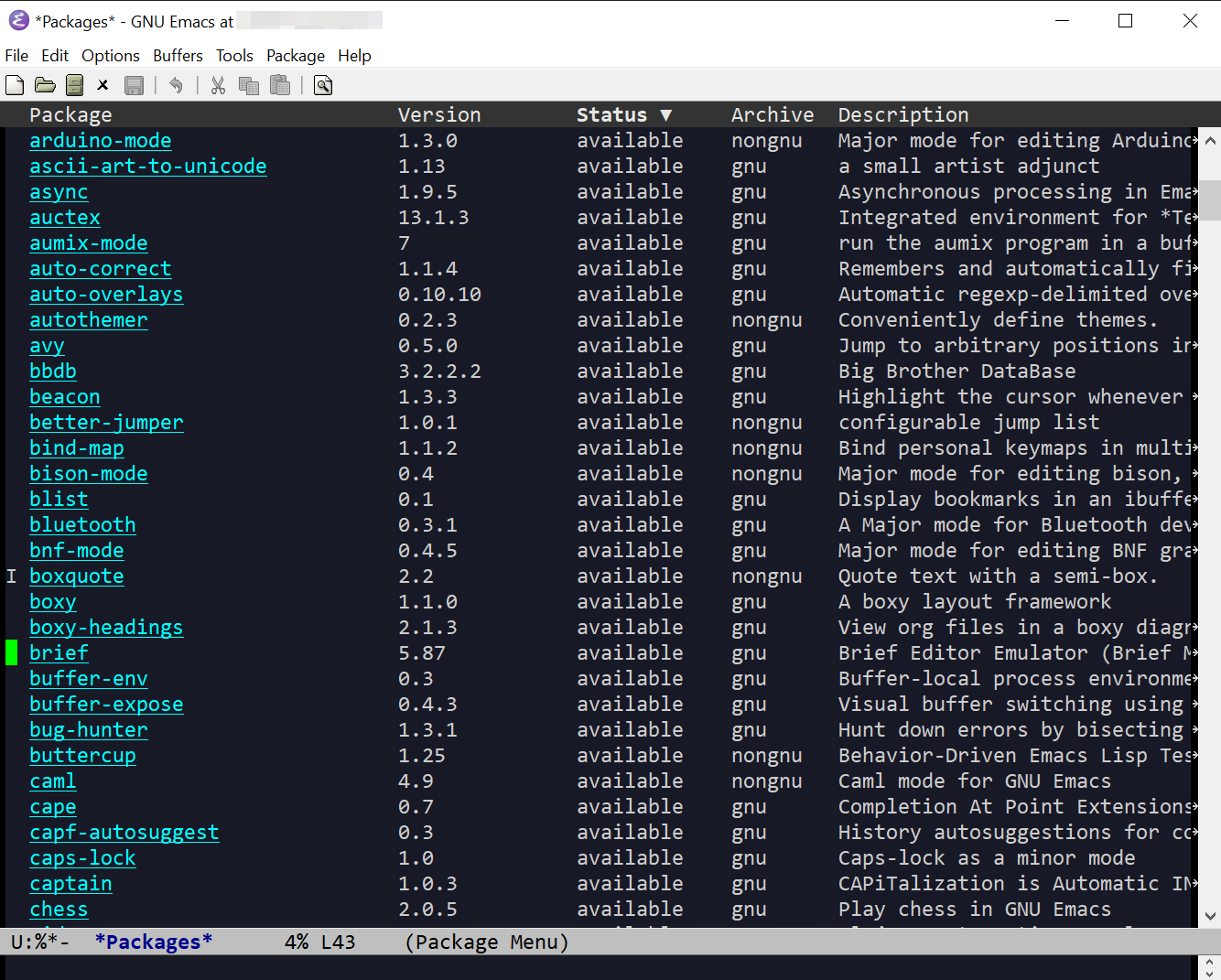
There are numerous options to choose from, and a number of them provide syntax highlighting. The following keybindings are available in the package manager window:
Mark an entry for installation: [i]
Unmark entry: [u]
Install changes: [x]
Quit package manager: [q]
After installing org-journal, add the following lines to .emacs:
(require 'org-journal)
(setq org-journal-dir "~/Documents/emacs-journal")
Or wherever you want the files stored. On a Windows system, '~/Documents' will be a sub-direcory in /AppData/Roaming.
When Emacs is started again, we can use the following to open a buffer for a journal entry:
Ctrl+c Ctrl+j
If the location added to .emacs doesn't exist, it will be created, and, as with a conventional file in Emacs or Vim, the buffer can be written to a file using Ctrl+x and Ctrl+s.
There are a few other things we can do with a journal entry. When the journal file or buffer is opened, a heading will be added automatically for the current time. We can add more headings with '**', e.g.
** Second Heading
Org -mode enables sections to be converted into tasks, which can be marked as 'TODO' or 'DONE'. This can be done manually, or by using the 'Ctrl+c Ctrl+t' keybindings.
And a journal entry can be tagged with one or more keywords, using the ':tagname:' format.
Putting all this together, a journal entry would look something like the following:
* Friday, 08/07/2022**
** 09:35 Completed installation of requested software on shared VM. Pushed service to staging server.
:July:Development: